

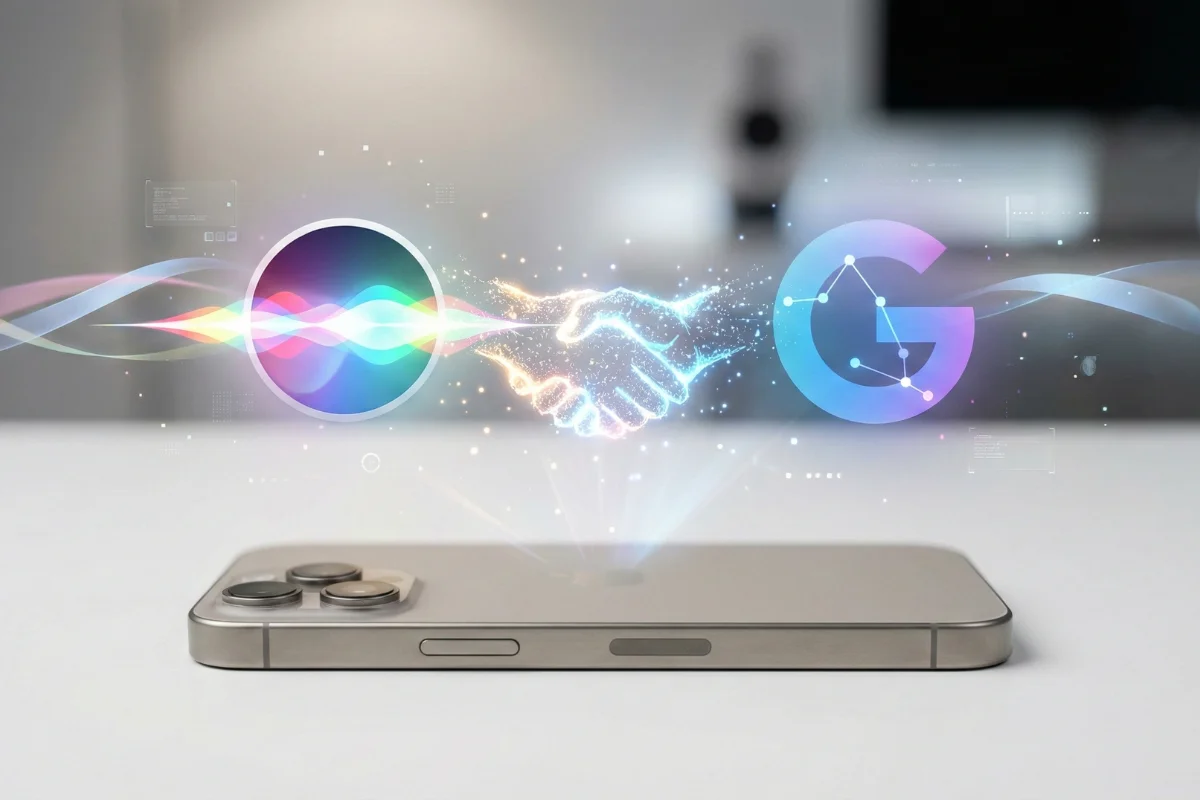
Stop shouting at your phone. If you have spent the last decade frustrated because Siri couldn’t set two timers or understand a basic follow-up question, your nightmare is officially over. The long-awaited iPhone Gemini integration has finally arrived with the iOS 19.4 update, and it performs a complete brain transplant on Apple’s voice assistant.
This isn’t just a chatbot tacked onto your home screen. Apple has fundamentally replaced Siri’s logic engine with Google’s Gemini Ultra model. For the first time, your iPhone doesn’t just match keywords; it understands intent, context, and messy human language.
In this guide, we break down exactly how this partnership fixes your daily workflows, the three features you must test immediately, and how to verify you are running the “smart” version of Siri.
Why The “Dumb Siri” Era Is Dead
We all know the pain. You ask Siri to “play that song I liked yesterday,” and it searches the web for “that song I liked yesterday.” It was rigid, script-based, and often useless for anything beyond setting alarms.
The iPhone Gemini integration changes the architecture. Siri now acts as a coordinator, handling system tasks (like opening apps) while offloading the “thinking” to Gemini.
This means Siri now has Reasoning Capabilities. It can parse complex, multi-layered requests. You don’t need to speak in robot commands anymore. You can speak naturally, stutter, correct yourself mid-sentence, and Siri will still figure out what you need.
3 New Features To Try Immediately
Don’t just take our word for it. If you have updated to iOS 19.4, try these three specific tests to see the difference instantly.
1. The “Screen Awareness” Test 📱
This is the game-changer. Siri can now “see” what is on your screen.
- The Test: Open an email with a flight itinerary. Activate Siri and say: “Add this flight to my calendar and text my wife what time I land.”
- The Result: Siri reads the screen, extracts the flight number and arrival time, creates the calendar event, and drafts the text message. No copy-pasting required.
2. The “Vague Query” Challenge 🧠
Old Siri failed when you didn’t know exactly what you wanted. Gemini thrives here.
- The Test: Say: “I have chicken, lemon, and heavy cream. What can I make for dinner that takes under 20 minutes?”
- The Result: Instead of a list of blue web links, Siri displays a custom recipe card directly in the UI, complete with a shopping list for any missing spices.
3. The Multi-Step Workflow ⏱️
Siri can finally multitask.
- The Test: Say: “Find that podcast I was listening to yesterday about AI, start playing it, and remind me to share it with Dave in 20 minutes.”
- The Result: It searches your history, resumes playback, and sets a context-aware reminder. Three actions, one voice command.
Comparison: Old Siri vs. Gemini Siri
Here is exactly what you are trading up for with this update.
| Feature | Old Siri (iOS 18 & Older) ❌ | New Gemini Siri (iOS 19.4) ✅ |
|---|---|---|
| Context Memory | Forgot what you said 10 seconds ago | Remembers the whole conversation |
| Screen Vision | Blind to your active apps | “Sees” buttons, text, and images |
| Complex Q&A | “Here’s a web link…” | “Here is the answer…” (Direct info) |
| Creativity | Zero. Robot responses only. | Can write poems, emails, & code |
| Speed | Fast but often wrong | 🧠 Slower (1-2s delay) but accurate |
| Cost | Free | Free (Advanced features need Sub) 💰 |
How to Activate Gemini on iPhone
The iPhone Gemini integration is not always on by default, especially if you are migrating from an older iCloud profile. Follow these steps to ensure you aren’t using the legacy model.
- Update Your Software: Go to Settings > General > Software Update. You must be on iOS 19.4 or higher.
- Access Intelligence Settings: Navigate to Settings > Apple Intelligence & Siri.
- Select Model Source: Tap on “External Model Extension” and select Google Gemini.
- Privacy Toggle: We recommend turning ON “Ask before sending data.” This adds a small delay but ensures you know exactly when your data is leaving the device for cloud processing.
Conclusion
The 2026 iPhone Gemini integration is the lifeline Siri needed to survive. It turns your phone from a passive tool into an active agent that can actually do work for you. If you haven’t updated yet, stop what you’re doing and hit that download button. The era of repeating yourself three times is finally over.
Sources
- CNET reported that Apple scheduled the integration of Gemini AI into Siri for February 2026.
- CNN confirmed that Apple officially announced its partnership with Google to revamp its voice assistant.
- TechCrunch warned that some complex features of the new Siri faced further development delays.
- MacRumors detailed how the partnership deeply integrates Gemini into the Apple Intelligence system.
- 9to5Mac clarified that advanced features may be pushed back to versions beyond iOS 19.4.
Further Reading
- GPT 5.2 Limits USA: Did OpenAI Just Quietly Cap Your Workflow? [2026 Alert]
![GPT 5.2 Limits USA: Did OpenAI Just Quietly Cap Your Workflow? [2026 Alert]](https://newaidaily.com/wp-content/uploads/2026/02/news-150x150.webp)
- Claude Sonnet 4.6 Pricing: The 2026 Enterprise ROI Guide

- AI Deepfake Scam Protection 2026: Stop Voice Clones

- AI Tools Pricing 2026: Build Your Lean Solo Stack for Under $50/Month

- OpenAI Paywall Panic: The Best Sora Free Alternative

![GPT 5.2 Limits USA: Did OpenAI Just Quietly Cap Your Workflow? [2026 Alert]](https://newaidaily.com/wp-content/uploads/2026/02/news.webp)


![Master Data Fast: Advanced Copilot Excel Prompts [2026 Guide]](https://newaidaily.com/wp-content/uploads/2026/02/Copilot-no-Excel.webp)